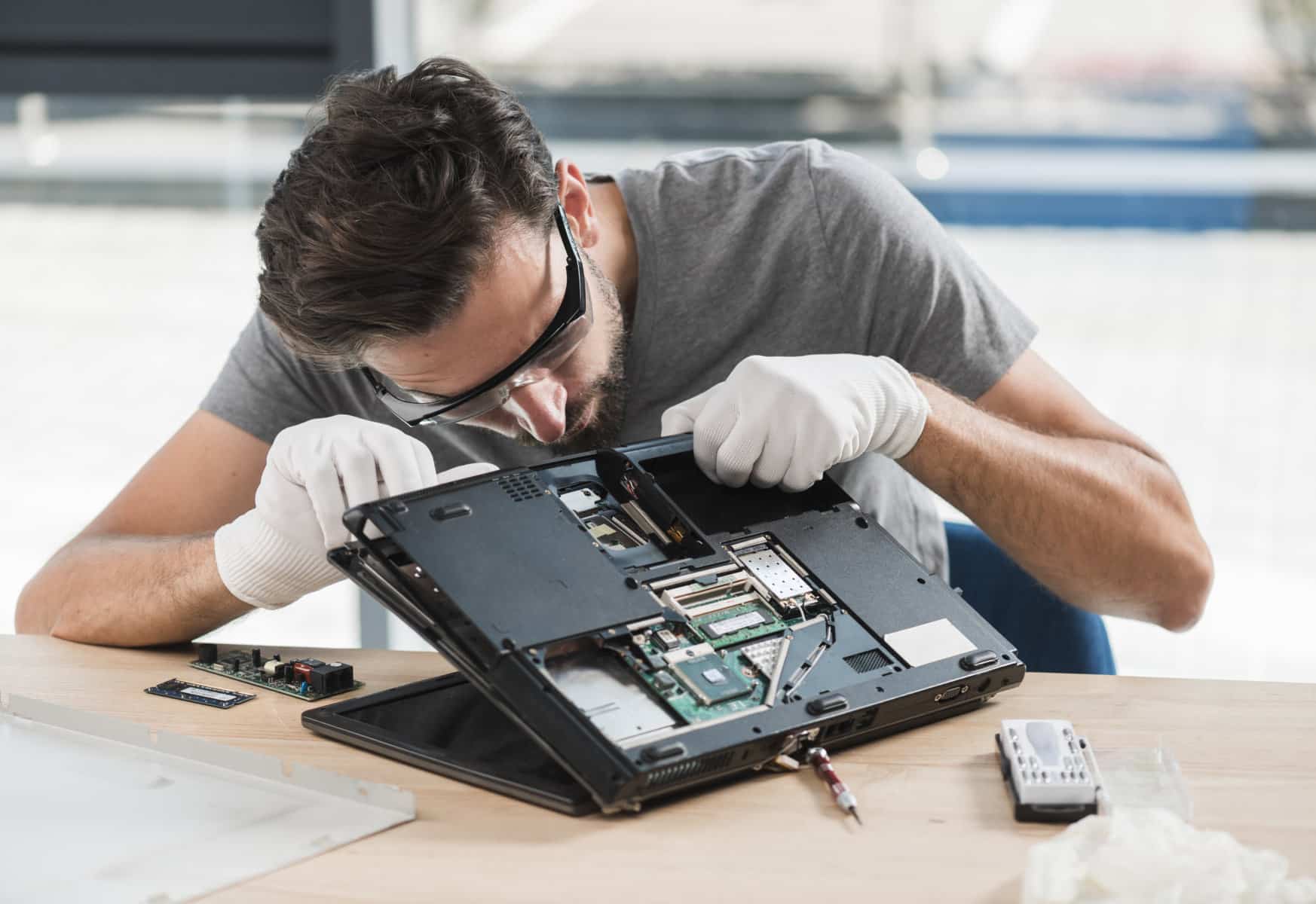
Repair vs Replace: Making the Right Decision
When your device starts struggling, the question isn't always straightforward. Here's how to think through it clearly.
Read articleAt Fair Repair, we start with a thorough diagnostic and tell you exactly what we find — in plain language. No hidden fees, no unnecessary upsells, no guesswork. Just straightforward technical work done carefully.
From a cracked screen to a device that won't start, we cover a wide range of hardware and software issues. Each job begins with a proper assessment — we won't recommend work that isn't necessary.
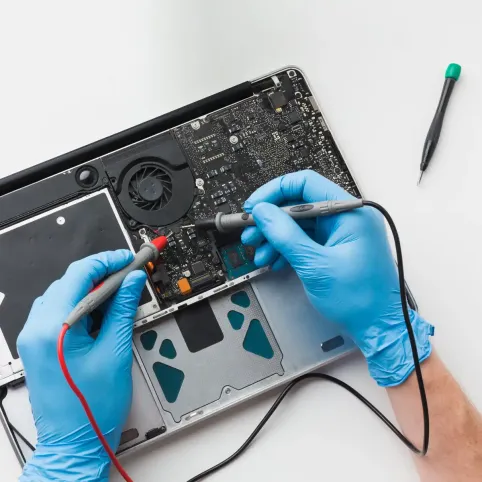
We run a methodical hardware and software assessment to find the root cause of the problem. You'll get a clear explanation before any work begins.
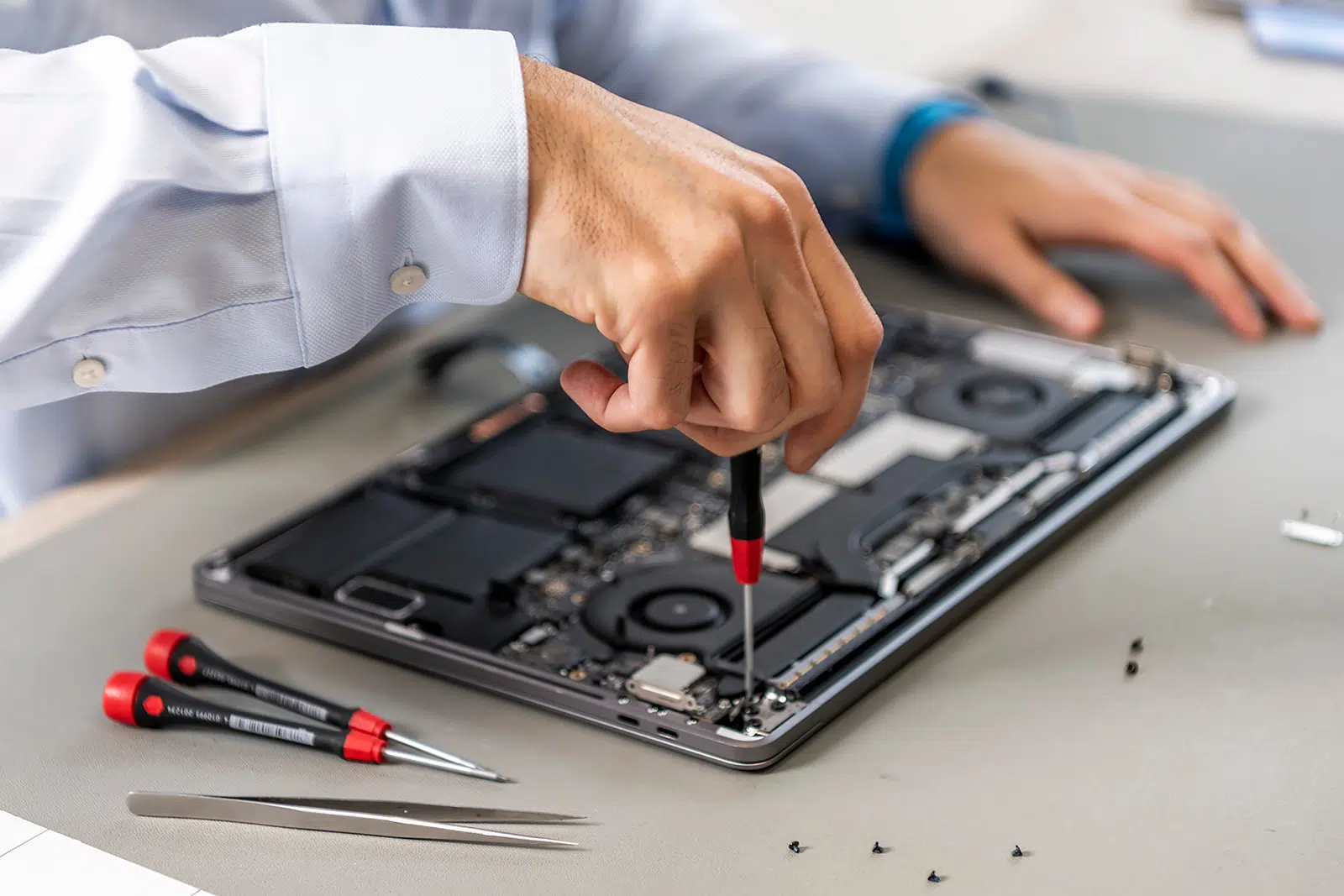
Learn moreScreen replacements, keyboard issues, hinge repairs, charging port problems — we handle most laptop models and provide honest timelines upfront.
Learn moreRAM upgrades, SSD replacements, GPU swaps, power supply units — we use quality parts and walk you through what changed and why.
Learn moreWe make reasonable efforts to recover accessible data from failed or damaged drives. Success depends on the nature and extent of the damage — we're upfront about that.
Learn moreSluggish startup? Programs taking forever to load? We clean up software clutter, update drivers, and tune system settings to improve day-to-day performance.
Learn moreWe use professional tools to detect and remove malware, adware, and unwanted programs, then help you set up a basic layer of ongoing protection.
Learn moreThese quick tools help you get a sense of what might be going on with your device. They're not a replacement for a proper diagnostic, but they can give you a useful starting point.
Before any work starts, you'll know exactly what we found, what needs to be done, and what it'll cost. No surprises on the bill, no technical jargon without explanation.
We never jump to repairs without understanding the actual problem. A proper diagnosis saves time and money — yours and ours.
You'll get a clear cost estimate before we start. If something unexpected comes up mid-repair, we contact you before proceeding.
We believe devices are worth repairing when it makes sense. We'll tell you honestly when repair is practical and when it's not.
We treat any personal data on your device with care and discretion. We only access files if it's necessary for the repair itself.
These are real accounts from customers who brought their devices to us. We've kept them unedited — positive or constructively honest.
We're a small, focused team that takes each repair personally. When your device comes in, a real person examines it — not a conveyor belt process.



It depends on the issue. Most software repairs and basic hardware replacements (like an SSD or keyboard swap) can be completed within one to two business days. More complex repairs, or cases where parts need to be sourced, can take three to five days. We'll give you a timeline estimate after the initial diagnostic.
We run a combination of hardware stress tests, visual inspections, and software-based checks to identify the root cause of the problem. Once we have a clear picture, we'll call or message you with a plain-language explanation of what we found, along with a repair estimate — before touching anything.
If we run a diagnostic and determine the repair isn't feasible or worth the cost, we don't charge a diagnostic fee in those cases. We believe it's only fair — you shouldn't pay for work that doesn't result in a solution.
Bring the device itself, the charger if applicable, and any accessories that may be relevant to the issue. If the problem involves a password-protected account, we'll let you know if we need temporary access credentials for anything specific.
Yes. We service both Windows-based PCs and Apple Mac computers. For Mac devices, it's worth noting that some repairs are more constrained by Apple's hardware design — we'll flag any limitations before starting work.
We only access what's necessary for the repair. We strongly recommend backing up your data before bringing your device in — not because we expect problems, but because it's a good habit regardless of where a device goes for service. See our Privacy Policy for details on how we handle data.
Practical, jargon-free articles to help you make informed decisions about your technology.
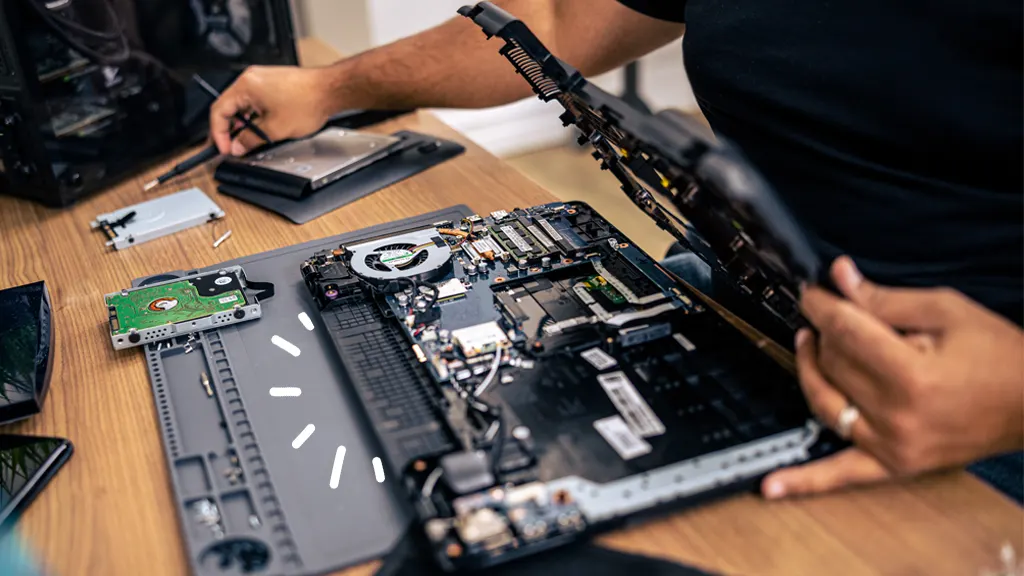
When your device starts struggling, the question isn't always straightforward. Here's how to think through it clearly.
Read article
A few consistent habits can significantly extend the life of your laptop and prevent common problems before they start.
Read article
Understand what's actually happening when your computer freezes, crashes, or refuses to start — in plain terms.
Read article