Our Repair Services

Every service begins with a proper diagnostic. We'll explain what we find and give you an honest recommendation before any work begins.

We cover a wide range of hardware and software issues for laptops and desktop computers. Whether you're dealing with a cracked screen, a slow system, or a device that won't start at all, the first step is always the same: we take a proper look and tell you what we find.

Service timelines and outcomes depend on the specific issue and hardware involved. We'll give you a realistic estimate after assessment.

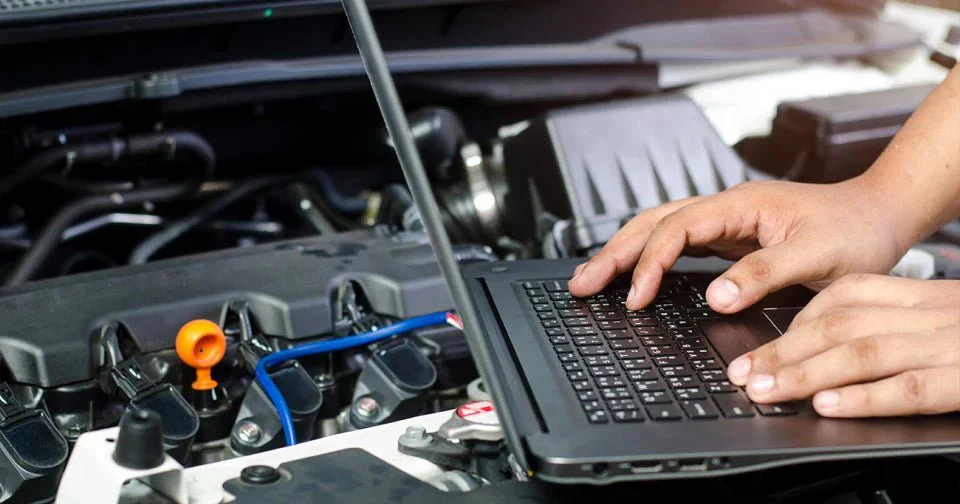
Technician running diagnostics on a computer
Service 01

Computer Diagnostics

Before any repair, we need to understand what's actually happening. Our diagnostic process involves a combination of hardware testing (stress tests, component checks), visual inspection, and software analysis. We document what we find and present it to you clearly — without assuming you know technical terminology.

A diagnostic isn't just a formality. It's the foundation of good repair work. Jumping straight to a replacement without understanding the root cause often leads to the same problem returning later.
  • Duration: Typically 1–3 hours
  • Cost: Quoted upfront; waived if repair proceeds
  • Covers: Hardware, software, thermal, power, and storage checks
Not every issue has a clear diagnosis. Some failures — particularly intermittent or environmental ones — can be difficult to reproduce on the bench. We'll be upfront when a definitive answer isn't possible.
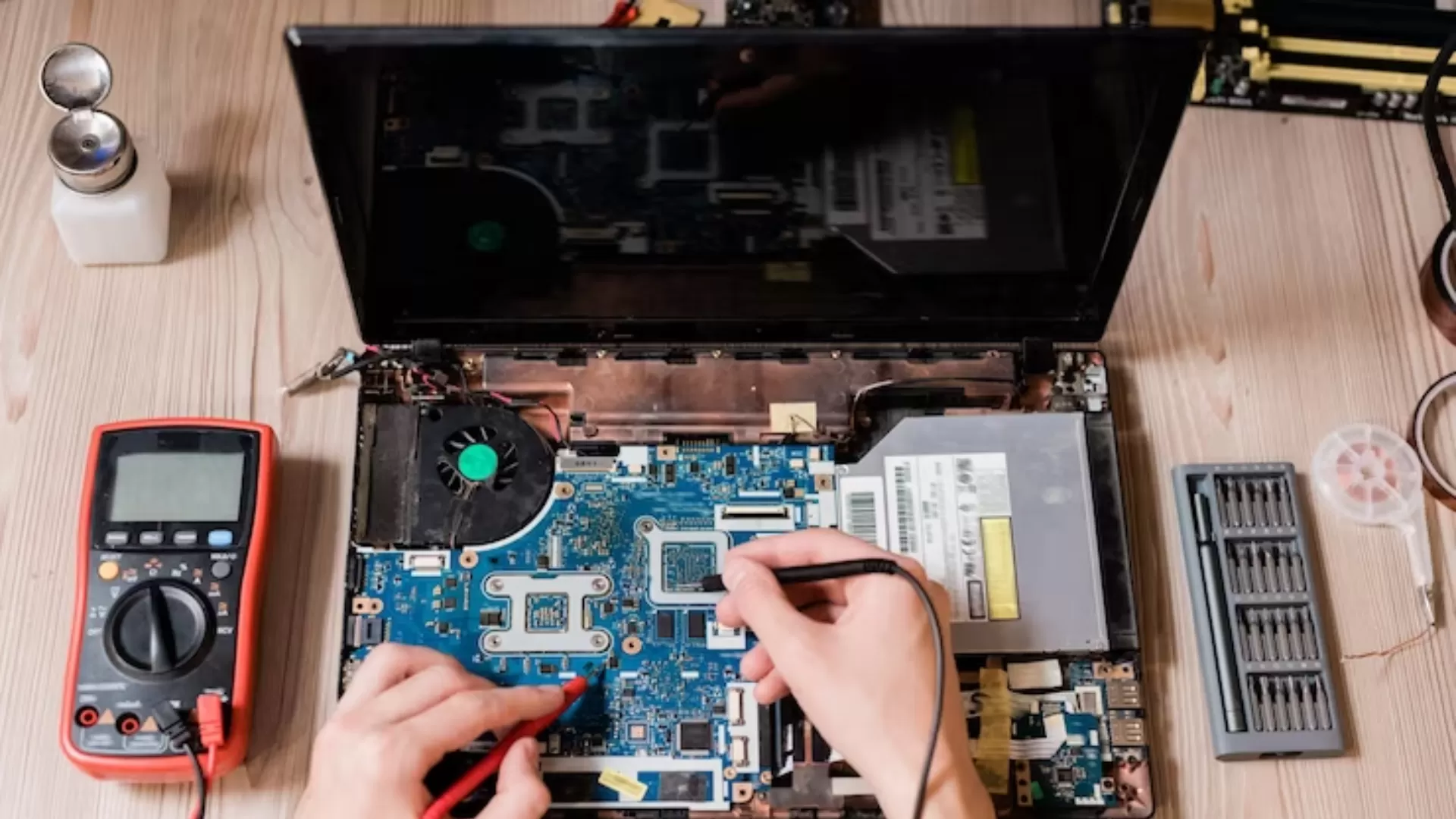
Laptop screen repair in progress
Service 02

Laptop Repair

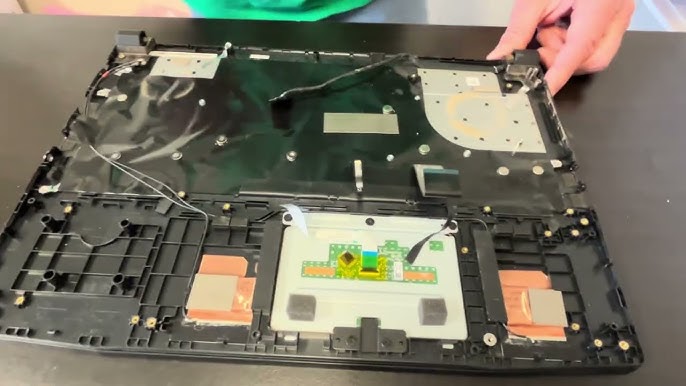
We handle a wide variety of laptop issues across most major brands — including Dell, HP, Lenovo, Asus, Acer, and Apple. Screen replacements, keyboard failures, hinge damage, charging port issues, and power-on problems are all within scope.

For every laptop repair, we source replacement parts that are compatible with your specific model. We'll tell you whether we're using OEM (original manufacturer) or equivalent third-party parts, and what difference that makes for your device.
  • Duration: 1–5 business days depending on parts availability
  • Common repairs: Screen, keyboard, trackpad, hinges, ports
  • Brands: Most Windows laptops + Apple MacBook
Some Apple laptops have components that are soldered to the motherboard and may not be serviceable without specialized equipment. We'll flag this clearly during the diagnostic phase.
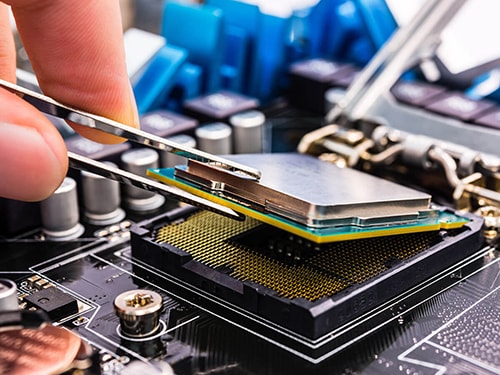
Computer hardware components
Service 03

Hardware Replacement & Upgrades

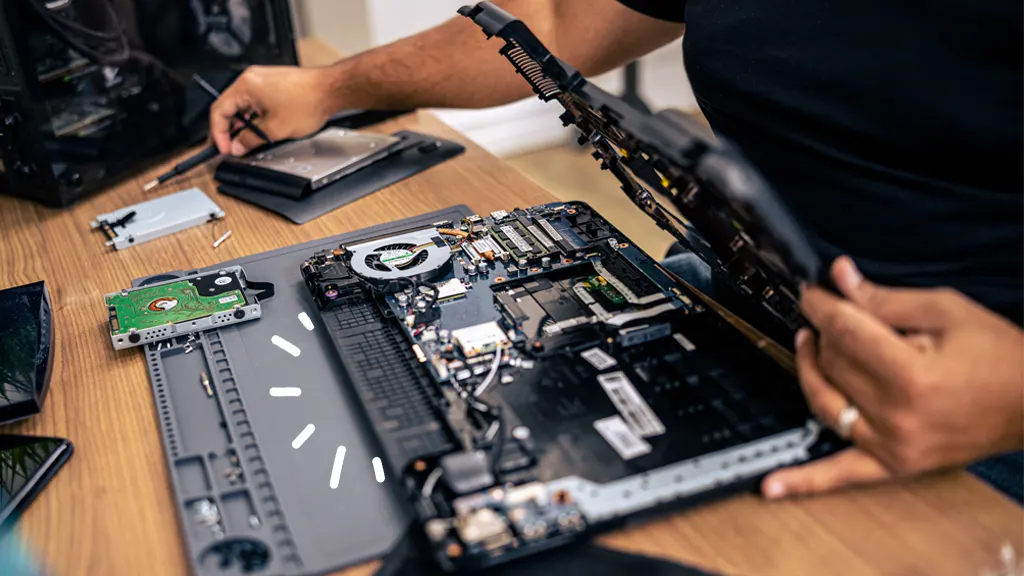
Whether it's a failed component that needs replacing or an aging system that could use a performance boost, we handle hardware work carefully and methodically. Common examples include upgrading to an SSD for faster performance, adding RAM, replacing a failed power supply, or swapping a GPU.

We'll always confirm that a hardware upgrade is compatible with your system before proceeding, and we'll explain the expected improvement in real terms — not marketing language.
  • Duration: Same-day to 2 business days
  • Common work: SSD, RAM, GPU, PSU, cooling systems
  • Applies to: Desktops and most upgradable laptops
Laptops increasingly have non-upgradable RAM and storage soldered directly to the board. We'll determine upgradeability during the diagnostic and won't proceed if an upgrade isn't feasible.
Hard drive data recovery
Service 04

Data Recovery

When a hard drive fails, or a device stops turning on, the first concern is often the files on it. We make reasonable efforts to recover accessible data using professional-grade tools. This includes logical failures (corrupted file systems, accidental deletion) and some forms of physical damage.

We approach this service with honesty: the outcome depends heavily on the type and extent of the failure. We'll assess the drive and give you a realistic picture before any recovery work begins. We will not charge you for a recovery that doesn't yield results.
  • Duration: 1–5 business days for assessment and recovery
  • Covers: HDD, SSD, USB drives, SD cards
  • Results: Depend on the nature of the failure
Important: Data recovery cannot be guaranteed. Severely physically damaged drives, or those that have been written over, may be unrecoverable. Partial recovery is possible in many cases. We will never overstate success rates.
System performance being optimized
Service 05

System Optimization

Computers slow down for many reasons — too many startup programs, outdated drivers, fragmented storage, or simply years of accumulated software clutter. Our optimization process cleans up what's unnecessary, updates what should be current, and makes sure the system is configured to run the way it's meant to.

This isn't a magic fix — we won't promise an old machine will perform like a new one. But for many systems, a proper tune-up makes a meaningful day-to-day difference.

  • Duration: Same-day, typically 2–4 hours
  • Includes: Startup cleanup, driver updates, storage scan, OS health check
  • Applies to: Windows and macOS
Optimization addresses software-layer performance. If slowness is due to aging hardware — particularly an old spinning hard drive or insufficient RAM — the improvement may be limited until hardware is also addressed.
Ready to start?

Bring your device in for an assessment

We'll run a proper diagnostic, explain what we find, and give you an honest recommendation — before any commitment.